Mafiree logo
  • About
  • Services
  • Blogs
  • Careers
  • Products
    • orbit logo Orbit
    • streamer logo Xstreami
  • Contact
Schedule a Call
Menu
  • About
  • Services
  • Blogs
  • Careers
  • Products
    • orbit logo Orbit
    • streamer logo Xstreami
  • Contact
  • Schedule a Call
Database
Database Database Managed Services
MySQL MySQL
MySQL Consulting Services
MySQL Migration Services
MySQL Optimization & Query Tuning
MySQL Database Administration
MySQL Backup & Recovery
MySQL Security & Maintenance
MySQL Cloud Services (AWS RDS, Aurora, Google Cloud SQL, Azure)
MySQL for Ecommerce
MySQL High Availability & Replication
MongoDB MongoDB
MongoDB Consulting Services
MongoDB Migration Services
MongoDB Optimization & Query Tuning
MongoDB Database Administration
MongoDB Backup & Recovery
MongoDB Security & Maintenance
MongoDB Cloud (Atlas)
MongoDB Solutions by Industry
MongoDB High Availability & Replication
PostgreSQL PostgreSQL
PostgreSQL Consulting
PostgreSQL Migration & Upgrades
Performance Tuning & Query Optimization
PostgreSQL Administration & Managed Services
High Availability, Clustering & Replication
PostgreSQL Backup, Recovery & Disaster Planning
PostgreSQL Security, Compliance & Auditing
PostgreSQL for Analytics & Data Warehousing
PostgreSQL on Cloud & Containers
PostgreSQL Extensions & Open-Source Integrations
PostgreSQL for Every Industry
SQL Server MSSQL
MSSQL Consulting Services
MSSQL Migration Services
MSSQL Optimization & Query Tuning Services
MSSQL Database Administration Services
MSSQL Backup & Recovery Services
MSSQL High Availability & Replication Services
MSSQL Security & Compliance Services
MSSQL Performance Monitoring & Health Checks
MSSQL Solutions by Industry
Aerospike Aerospike
Aerospike Consulting Services
Aerospike Migration Services
Aerospike Performance Optimization & Tuning
Aerospike Database Administration
Aerospike Backup & Recovery
Aerospike High Availability
Aerospike Cloud & Hybrid Deployments
Aerospike for Real-Time Applications (AdTech, FinTech, Retail, IoT)
Analytics DB
Analytics DB Analytics DB Services
Clickhouse Clickhouse
ClickHouse Consulting Services
ClickHouse Migration Services
ClickHouse Optimization & Query Tuning
ClickHouse Database Administration
ClickHouse Backup & Recovery
ClickHouse Security & Maintenance
ClickHouse Cloud Services (ClickHouse Cloud, AWS, GCP, Azure)
ClickHouse Solutions by Industry
ClickHouse High Availability & Replication
TiDB TiDB
TiDB Consulting & Architecture Planning
TiDB Administration & Maintenance
TiDB Security and Privacy Maintenance
TiDB Performance & Query Optimization
TiDB Migration Services
TiDB Backup & Disaster Recovery
TiDB High Availability Solutions
TiDB Solutions by Industry
TiDB Cloud Services
ScyllaDB ScyllaDB
ScyllaDB Consulting & Architecture Planning
ScyllaDB Administration & Maintenance
ScyllaDB Security and Privacy Maintenance
ScyllaDB Performance & Query Optimization
ScyllaDB Migration Services
ScyllaDB Backup & Disaster Recovery
ScyllaDB High Availability Solutions
ScyllaDB Solutions by Industry
ScyllaDB Cloud Services
DevOps
DevOps DevOps Services
Version Control Version Control
Kubernetes Kubernetes
Infrastructure Infrastructure Management
Web Servers Web Servers
Networking
Networking Networking Services
Basic Basic
Advanced Advanced
MySQL MySQL
MongoDB MongoDB
PostgreSQL PostgreSQL
MSSQL MSSQL
Aerospike Aerospike
Clickhouse Clickhouse
TiDB TiDB
ScyllaDB ScyllaDB
Version Control Version Control
Kubernetes Kubernetes
Infrastructure Infrastructure Management
Web Servers Web Servers
Basic Basic
Advanced Advanced
MySQL Consulting Services
MySQL Migration Services
MySQL Optimization & Query Tuning
MySQL Database Administration
MySQL Backup & Recovery
MySQL Security & Maintenance
MySQL Cloud Services (AWS RDS, Aurora, Google Cloud SQL, Azure)
MySQL for Ecommerce
MySQL High Availability & Replication
MongoDB Consulting Services
MongoDB Migration Services
MongoDB Optimization & Query Tuning
MongoDB Database Administration
MongoDB Backup & Recovery
MongoDB Security & Maintenance
MongoDB Cloud (Atlas)
MongoDB Solutions by Industry
MongoDB High Availability & Replication
PostgreSQL Consulting
PostgreSQL Migration & Upgrades
Performance Tuning & Query Optimization
PostgreSQL Administration & Managed Services
High Availability, Clustering & Replication
PostgreSQL Backup, Recovery & Disaster Planning
PostgreSQL Security, Compliance & Auditing
PostgreSQL for Analytics & Data Warehousing
PostgreSQL on Cloud & Containers
PostgreSQL Extensions & Open-Source Integrations
PostgreSQL for Every Industry
MSSQL Consulting Services
MSSQL Migration Services
MSSQL Optimization & Query Tuning Services
MSSQL Database Administration Services
MSSQL Backup & Recovery Services
MSSQL High Availability & Replication Services
MSSQL Security & Compliance Services
MSSQL Performance Monitoring & Health Checks
MSSQL Solutions by Industry
Aerospike Consulting Services
Aerospike Migration Services
Aerospike Performance Optimization & Tuning
Aerospike Database Administration
Aerospike Backup & Recovery
Aerospike High Availability
Aerospike Cloud & Hybrid Deployments
Aerospike for Real-Time Applications (AdTech, FinTech, Retail, IoT)
ClickHouse Consulting Services
ClickHouse Migration Services
ClickHouse Optimization & Query Tuning
ClickHouse Database Administration
ClickHouse Backup & Recovery
ClickHouse Security & Maintenance
ClickHouse Cloud Services (ClickHouse Cloud, AWS, GCP, Azure)
ClickHouse Solutions by Industry
ClickHouse High Availability & Replication
TiDB Consulting & Architecture Planning
TiDB Administration & Maintenance
TiDB Security and Privacy Maintenance
TiDB Performance & Query Optimization
TiDB Migration Services
TiDB Backup & Disaster Recovery
TiDB High Availability Solutions
TiDB Solutions by Industry
TiDB Cloud Services
ScyllaDB Consulting & Architecture Planning
ScyllaDB Administration & Maintenance
ScyllaDB Security and Privacy Maintenance
ScyllaDB Performance & Query Optimization
ScyllaDB Migration Services
ScyllaDB Backup & Disaster Recovery
ScyllaDB High Availability Solutions
ScyllaDB Solutions by Industry
ScyllaDB Cloud Services
  1. Home
  2. > Blogs
  3. > PostgreSQL
  4. > Optimizing PostgreSQL Queries with Functional Indexes – A Real-World Case Study

Optimizing PostgreSQL Queries with Functional Indexes – A Real-World Case Study

Cutting Query Time from 10 Minutes to Under 1 Second – How Functional Indexes Helped Us Optimize Aurora PostgreSQL and Stabilize CPU Performance.

Jethish August 26, 2025

Subscribe for email updates

Modern applications rely heavily on databases to power real-time workloads. But as usage scales, even the most robust systems like AWS Aurora PostgreSQL can face serious performance bottlenecks. One of the most common symptoms is high CPU utilization, which directly impacts query response times, application stability, and ultimately, user experience.

Recently, one of our clients faced exactly this challenge. Their Aurora PostgreSQL primary instance was under severe stress — CPU spikes were frequent, queries were slowing down, and scaling up the hardware only provided short-term relief. The real problem lay deeper in the way queries, views, and indexes were designed.

In this blog, we’ll walk you through how our PostgreSQL team diagnosed the bottlenecks, optimized queries, introduced indexing strategies (including functional indexes), and reduced query execution time from over 10 minutes to under a second. More importantly, we’ll show you how these optimizations not only stabilized CPU usage but also delivered sustainable performance improvements without the constant need for costly infrastructure upgrades.


The Problem

Our investigation revealed three key issues:

  • High tuple scans — more than 1.9 billion tuples fetched and ~5 billion returned on the primary.
  • Expensive VIEWs — one VIEW alone had an execution cost of ~6.9M, repeatedly causing CPU spikes.
  • Underutilized replicas — read queries were directed to the primary, leaving replicas idle.


This combination led to frequent CPU spikes, degraded performance, and a poor end-user experience.


Step 1: Diagnosing the Pain Point


The client had a reporting dashboard built on top of complex PostgreSQL views. These views joined multiple tables and applied transformations for filtering and reporting.

Users reported that running certain reports would cause the system to spike CPU to 90–100%, slowing down other workloads. Running EXPLAIN ANALYZE on a few problem queries confirmed our suspicion: PostgreSQL was performing sequential scans across hundreds of millions of rows.

At this point, the obvious culprit was inefficient query patterns inside the views.


Step 2: Optimizing the View


Our first attempt was to rewrite the view. We reduced redundant joins, removed unused columns, and added a few plain indexes to support filtering.

While this optimization shaved off some milliseconds, the core issue remained. Queries were still triggering sequential scans, which made them unbearably slow at scale.

In short:

  • View optimization improved performance for some queries.
  • But certain conditions still forced full scans.

Step 3: Why We Couldn’t Just Rewrite Queries


The next logical step was to examine why those full scans persisted.

We discovered that the application layer was issuing queries with transformations applied to columns. In this case:


  • The app allowed user input in mixed cases (e.g., “Summer_Sale”, “summer_sale”, “SUMMER_SALE”).
  • To ensure case-insensitive comparisons, queries used the LOWER() function in conditions.
  • Because of this, PostgreSQL ignored normal indexes on the column.
  • Refactoring the application to normalize inputs wasn’t an option — it would have required weeks of development, testing, and downtime.

So, while we had found the root cause, we needed a database-side fix that worked with the existing queries.


Step 4: The Breakthrough with Functional Indexes


This is where functional indexes came in.
Unlike a regular index, which is created on raw column values, a functional index lets you index the result of an expression. Exactly what we needed for LOWER(campaign_name).


-- Functional index to support case-insensitive lookups
CREATE INDEX idx_campaign_name_lower 
      ON campaigns (LOWER(campaign_name));

Now, when a query applied LOWER(campaign_name) in the condition, PostgreSQL could use the index directly.


Step 5: Before vs After


Before (no functional index):

EXPLAIN ANALYZE
SELECT * 
FROM ……….
WHERE LOWER(campaign_name) = 'summer_sale';
Seq Scan on campaigns (cost=6940386.83..7267677.19 rows=2909221 width=977)
Execution Time: 614,532 ms [11+ mins]

After (with functional index):

EXPLAIN ANALYZE
SELECT * 
FROM ……… 
WHERE LOWER(campaign_name) = 'summer_sale';
Index Scan using idx_campaign_name_lower on campaigns (cost=150587.49..150587.51 rows=10 width=568)
Execution Time: 696.315 ms

The difference is dramatic — from full sequential scans on ~190M rows to a direct index scan.

The Results in Numbers

Here’s what changed with the functional index in place:

  • Execution cost dropped from 6.9 million → 3.2.
  • Tuples fetched reduced from 1.9B → ~24M.
  • Execution time went from 10+ minutes → <1 second.
  • CPU utilization stabilized, even during reporting peaks.

Key Takeaways


  • Always review read/write query routing in PostgreSQL.
  • Poorly written VIEWs can silently cause massive performance issues.
  • Indexing strategy (including functional indexes) plays a crucial role in query optimization.
  • Scaling hardware helps temporarily but fixing the root cause at the query level ensures long-term stability.

With our PostgreSQL team’s expertise, we not only fixed the client’s immediate CPU problem but also helped them adopt best practices for sustainable database performance.


How Mafiree Can Help You:

At Mafiree, we provide expert support on:


  • Database performance tuning (query optimization, indexing, execution plan analysis)
  • High availability & replication setup (Patroni, HAProxy, etc.)
  • Database migration & upgrades
  • Monitoring, automation, and proactive health checks
  • End-to-end PostgreSQL support for production workloads

If your organization is facing performance challenges, our team of PostgreSQL experts can help you stabilize, optimize, and future-proof your database infrastructure.

Author Bio

Jethish

Jethish is a PostgreSQL DBA at Mafiree with expertise in building scalable, reliable, and high-performance database infrastructures. He focuses on PostgreSQL architecture, replication strategies, performance tuning, and high availability for mission-critical systems. Through his technical writing, he shares clear, practical insights on database internals, replication choices, load balancing, and cross-database integrations that help engineers and DBAs tackle real-world data challenges.

Leave a Comment

Related Blogs

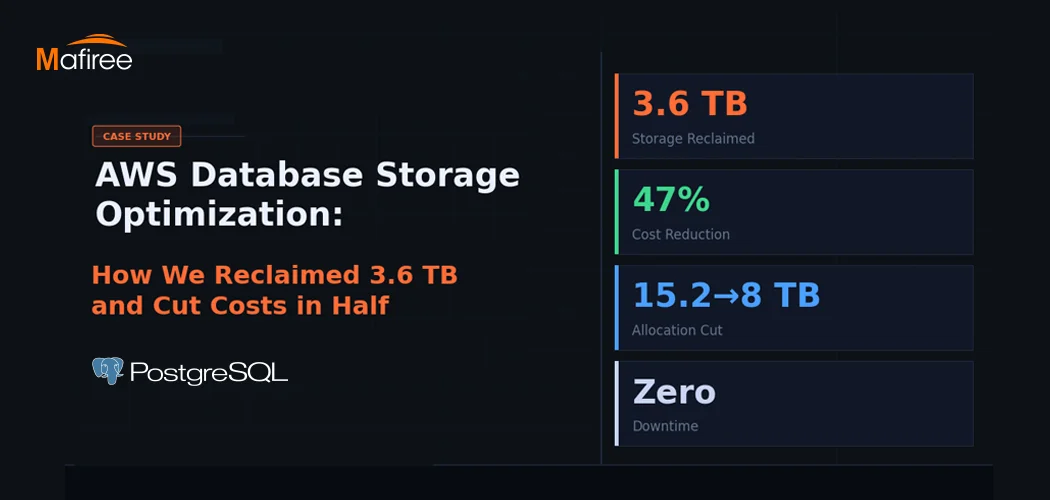
AWS Database Storage Optimization: How We Reclaimed 3.6 TB and Cut Costs in Half

A client came to us with a classic AWS database storage optimization problem: 15.2 TB allocated, less than a third actually in use — and a bill that kept growing regardless. Within one week, Mafiree had reclaimed 3.6 TB, validated a safe path to cut allocation nearly in half, and executed a zero-downtime migration. Here's the full story.

  54 views
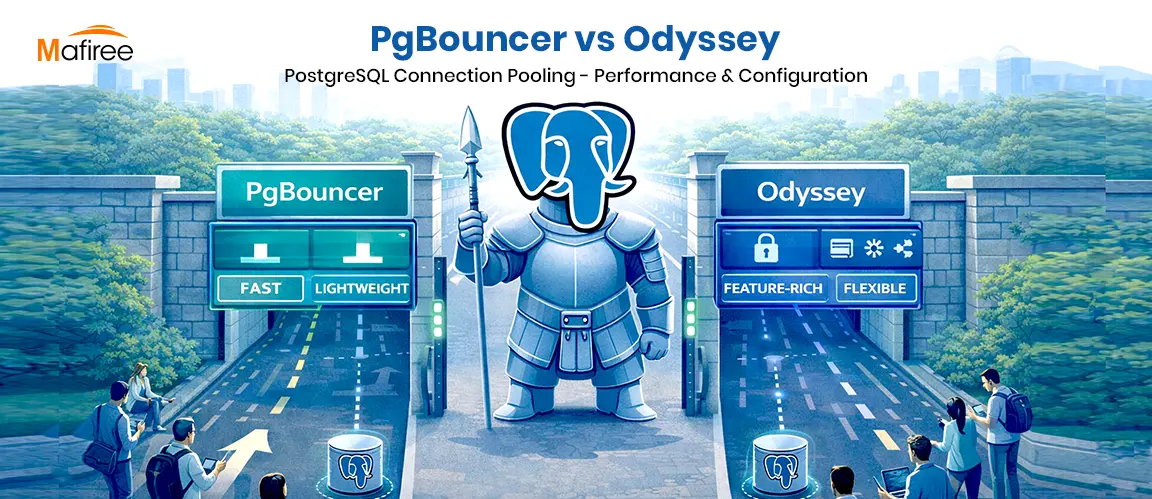
PostgreSQL Connection Pooling: PgBouncer vs Odyssey – Performance & Configuration

PostgreSQL uses a process-per-connection model, which can limit scalability in high-traffic environments. Connection poolers help manage this challenge by reusing database connections efficiently. This blog compares PgBouncer and Odyssey, two popular PostgreSQL connection poolers, highlighting their architecture, performance characteristics, configuration differences, and ideal use cases. It helps organizations choose the right pooling solution based on workload scale, complexity, and operational requirements.

  1771 views
8 Enhancing Features in PostgreSQL 18

PostgreSQL 18: Efficiency, security, and reliability, all in one upgrade

  4077 views
Mastering PostgreSQL Meta-Commands: The Ultimate psql Cheat Sheet

Why memorize SQL queries when \d, \l, and \dx do the heavy lifting? Learn the power of PostgreSQL’s psql meta-commands today.

  9685 views
Choosing the Right Replication Type in PostgreSQL

Choosing the Right Replication Type in PostgreSQL – Understand the key differences between Streaming and Logical Replication, their best use cases, and how to implement them effectively for high availability, scalability, and disaster recovery.

  2228 views

Subscribe for email updates

Get in touch with us

Highlights

More than 6000 Servers Monitored

Happy Clients

Certified DBAs

24 x 7 x 365 Support

PCI

Database Services

MySQL MongoDB PostgreSQL SQL Server Aerospike Clickhouse TiDB MariaDB Columnstore

Quick Links

Careers Blog Contact Privacy Policy Disclaimer Policy

Contacts

Linkedin Mafiree Facebook Mafiree Twitter Mafiree

Nagercoil Office

Miru IT Park, Vallankumaranvillai,

Nagercoil, Tamilnadu - 629 002.

Bangalore Office

Unit 303, Vanguard Rise,

5th Main, Konena Agrahara,

Old Airport Road, Bangalore - 560 017.

Call: +91 6383016411

Email: sales@mafiree.com


Copyright © - All Rights Reserved - Mafiree